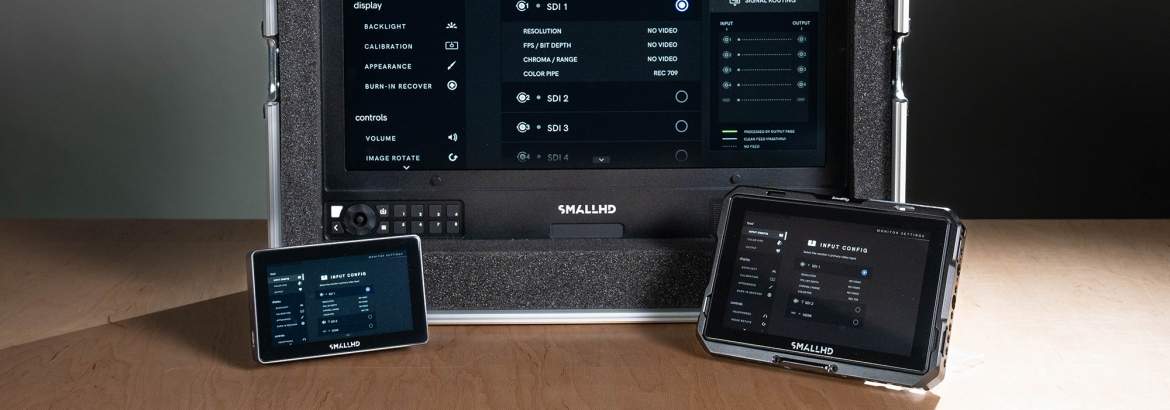
SmallHD Color pipe settings: A quick start
The Color Pipe setting on SmallHD monitors, such as our Cine 18 or Indie 7, are there so you can display all incoming video signals exactly as you want. You can tweak up to 8 color pipe based on the input (up to HDR on the Cine 18) and choose the preferred conversion target.
For instance, you can adjust the conversion of a LOG signal to the standard REC 709 or add a custom LUT’s that’s choosen by your DOP or production. SmallHD strived to add as much as possible camera manufacturers LUT’s so the signal will convert correctly, without the hassle of downloading LUT’s beforehand. It is good practice to do the prep before the shoot.
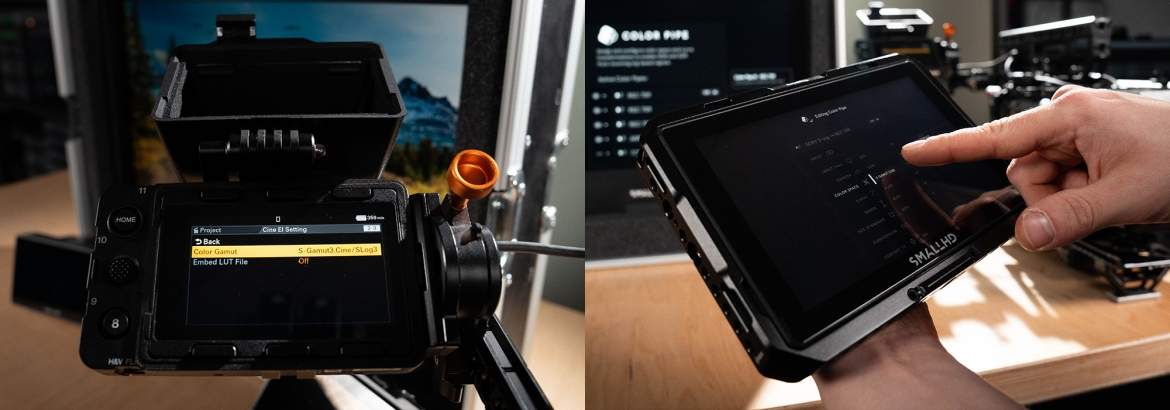
How to create a new color pipe?
This page is an overview of the active color pipes that are assigned to the inputs and the created Color Pipes.
- Scroll down and press the NEW COLOR PIPE button- A new Color Pipe with default settings is created
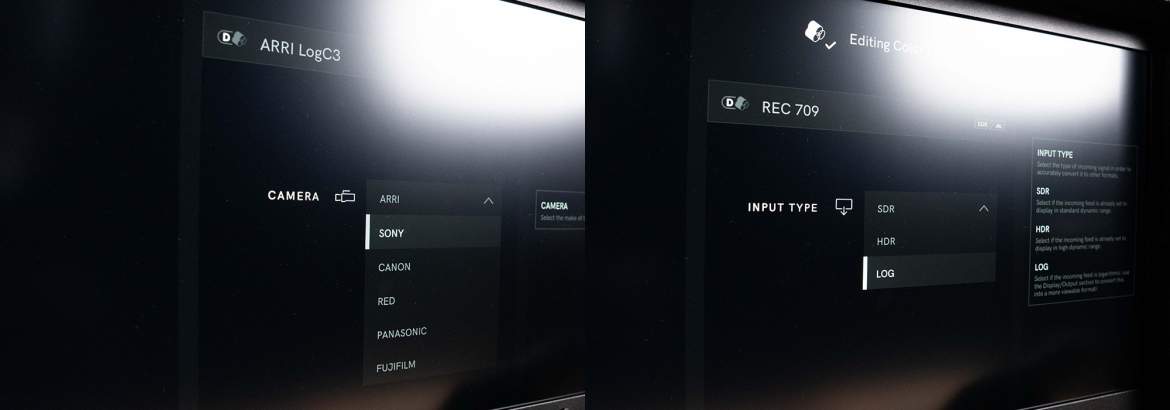
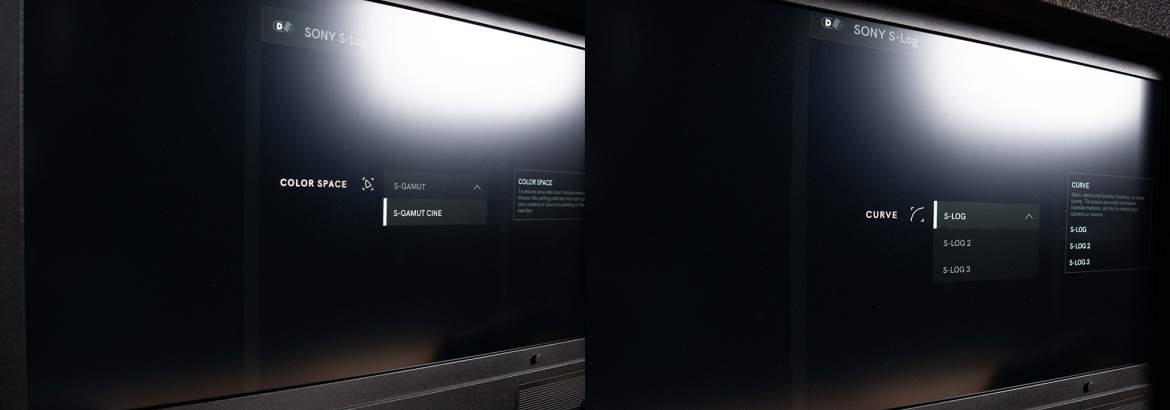
In this menu, you can tweak the settings of the input type you are planning to use. In essence, these correspond with the specs and settings on the camera you plan use. The following manufacturers are included in PageOS 6:
- ARRI
- Sony
- RED
- Canon
- Panasonic
- Fujifilm
- Blackmagic Design
How to assign a Color Pipe to an Input?
- Press on the Input
- Select the desired Color Pipe setting. Every input can only have one Color Pipe assigned
In practice
For the best results of your shoot, most of the work is done in prep! Just as a complete production, camera work deserves thorough preparation time where you and your team prepare the camera package AND monitors.
We have a full set of SmallHD monitors in our inventory and thanks to PageOS 6, the menu lay-out on these is identical. By arranging all monitors next to each other, you can dial in the same settings on all devices, and do a visual check of the displays. The monitors should all convert the images in the same way, without too much difference.
Are you working in a controlled environment such as a studio or working indoors? Make sure to tweak the brightness of the displays. While it does not necessarily affects colors, our human perception of the images plays a part here. By syncing the NIT values, you ensure you, your team and the director sees the same things
Are you not sure how to do it yourself? Make sure to make your complete gear list ready in our prep space; CAMRENT support and coffee included!
 Een ogenblik geduld